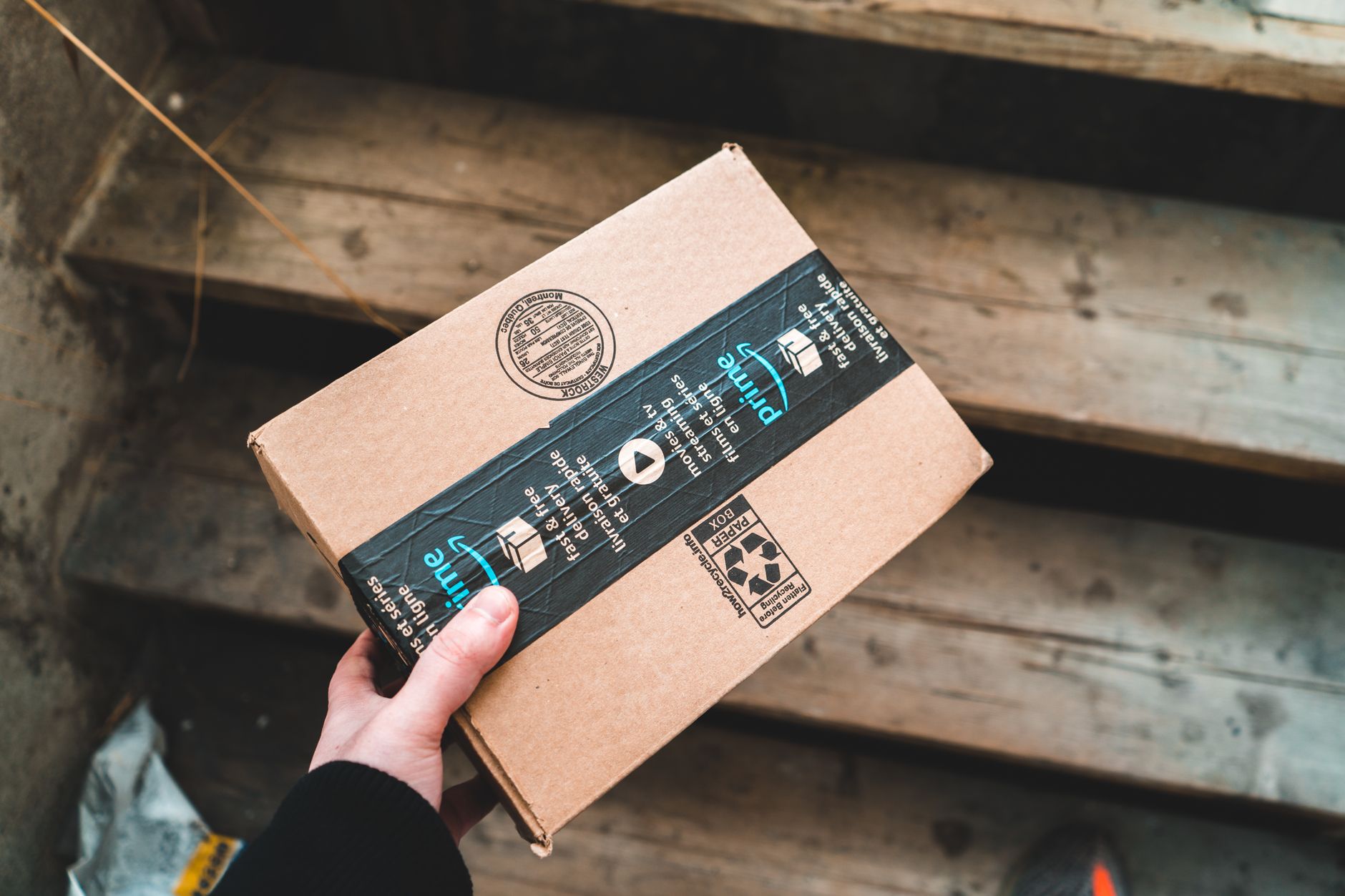
You're checking your inbox when you see it: an email from Amazon telling you your account has been locked, and you need to update your payment information immediately. The logo looks right. The tone sounds right. But something feels off.
Now Amazon wants you to ask its AI assistant whether that email is actually from them. The company announced this week that Alexa for Shopping can analyze emails, text messages, and even phone calls to determine if they're genuine or part of an impersonation scam.
Here's how it works: If you receive a message that claims to be from Amazon but you're not sure, you can ask Alexa something like, "Alexa, did Amazon send this email?" The assistant will use AI to compare the message against known Amazon communications to confirm its authenticity.
It's a clever response to one of the oldest tricks in the phishing playbook — but is it enough?
The Scam Epidemic
Impersonation scams are booming. The Federal Trade Commission reported that these schemes cost consumers over $1.2 billion last year, and Amazon impersonators are among the most common. Scammers send fake order confirmations, account alerts, and delivery notices that look almost identical to the real thing.
They're getting better at it, too. Gone are the days of obvious grammar errors and sketchy links. Today's phishing emails are polished, personalized, and often pass a quick visual inspection.
That's the problem Amazon is trying to solve. Most people aren't security experts. They just want to know if they should click the link or ignore the message.
"If you have to ask whether an email is real, the scam has already succeeded," says cybersecurity analyst Jenna Cole. "But giving people an easy way to verify could break that chain."
What We Know About the Feature
The feature is rolling out as part of Alexa for Shopping, Amazon's AI assistant that can help you track packages, reorder items, and now, verify messages. According to Amazon, the AI compares the content of your message — whether it's an email, text, or a transcript of a phone call — against patterns it has learned from legitimate Amazon communications.
If it matches, you get confirmation that it's real. If not, you're warned that it's likely a scam.
It's unclear how the assistant handles phone calls — will it listen in real time or analyze a voicemail? Amazon hasn't specified, but the potential is there.
The Limits of Digital Trust
Here's where I start to have questions. If a scam email looks like Amazon, wouldn't it also look like Amazon to Alexa? The whole point of these scams is to mimic legitimate messages so closely that detection is hard.
Amazon says the AI uses sophisticated pattern recognition, going beyond what the human eye can see. But any AI system can be fooled if scammers figure out the rules.
There's also the issue of bias — not racial bias, but platform bias. If you receive a scam email that imitates Amazon, Alexa might flag it. But what about scams that imitate other companies? Walmart, Apple, your bank? Alexa for Shopping is a shopping assistant, not a universal scam detector.
Still, this is a step forward. The company is using AI defensively, not just to sell you things. And it's a tool that could genuinely help the average person avoid a costly mistake.
How It Compares to Existing Tools
Amazon isn't the first to try this. Google has been flagging suspicious emails in Gmail for years, and Microsoft's Outlook includes phishing protections. There are standalone apps that verify sender identity, and even browser extensions that warn you about risky websites.
What's different here is convenience. Most people don't use security tools unless forced. But asking a question to Alexa is something you might already do daily. It's integrating security into a natural interaction.
"The best security is the kind you don't have to think about," says user experience researcher Mark Tan. "If asking your assistant is easier than inspecting a URL, more people will do it."
The Reaction and the Skepticism
Early reactions have been mixed. Some security experts praise the effort, noting that any extra layer of verification helps. Others worry about creating a false sense of security.
"People might assume that if Alexa doesn't flag something, it's safe," warns privacy advocate Sarah Lindqvist. "And that's dangerous."
She has a point. AI is not infallible. False negatives — where a scam is not detected — could lead users to trust something malicious. Amazon says it will continually improve the feature, but perfection is unrealistic.
What You Should Do
Until this feature is proven, you should still follow basic email hygiene:
- Check the sender's full email address, not just the display name
- Hover over links to see where they lead
- Never give out passwords or financial info. Amazon won't ask for them
- If in doubt, go directly to Amazon.com by typing the URL
These tips might seem basic, but they work. And they don't require an AI assistant.
The Bottom Line
Amazon's new tool is a welcome addition to the anti-scam arsenal. It has the potential to help millions of people avoid falling for impersonation schemes. But it's not a silver bullet.
At best, it's another layer in your defense. A good one, maybe. But don't abandon your own judgment. The moment you outsource all trust to an algorithm, you're vulnerable to a different kind of scam.
So will I use it? Sure, if it works. But I'll still check the sender's address myself. And so should you.